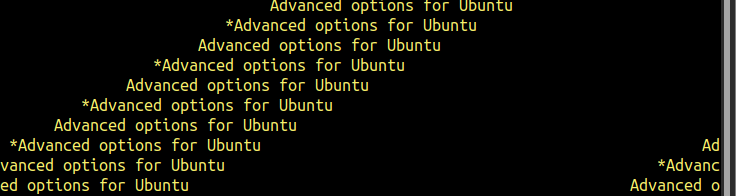
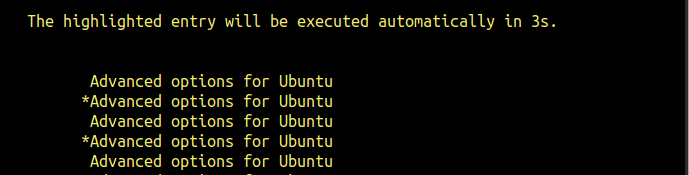
I am not sure if it’s only me but I always get garbled text on serial console while booting. Until the login user/password comes up - all text is garbled. It’s very hard to know which kernel is being booted and there is a instruction in mainline linux guide to hit C to change kernel.
The cable is fine. As I can login via serial console. However, during the boot process - logs are garbled, until the shell prompts for user and password.
I have the same issue. I bet you are trying to use the grub menu to select a kernel. I have found that if I change the width of my console to 76 characters wide I get slightly more readable output when selecting kernel.
oh, I never get this grub menu working on rubik pi. I just wait and let the system choose the default one.
did you change the grub config? what did you change?