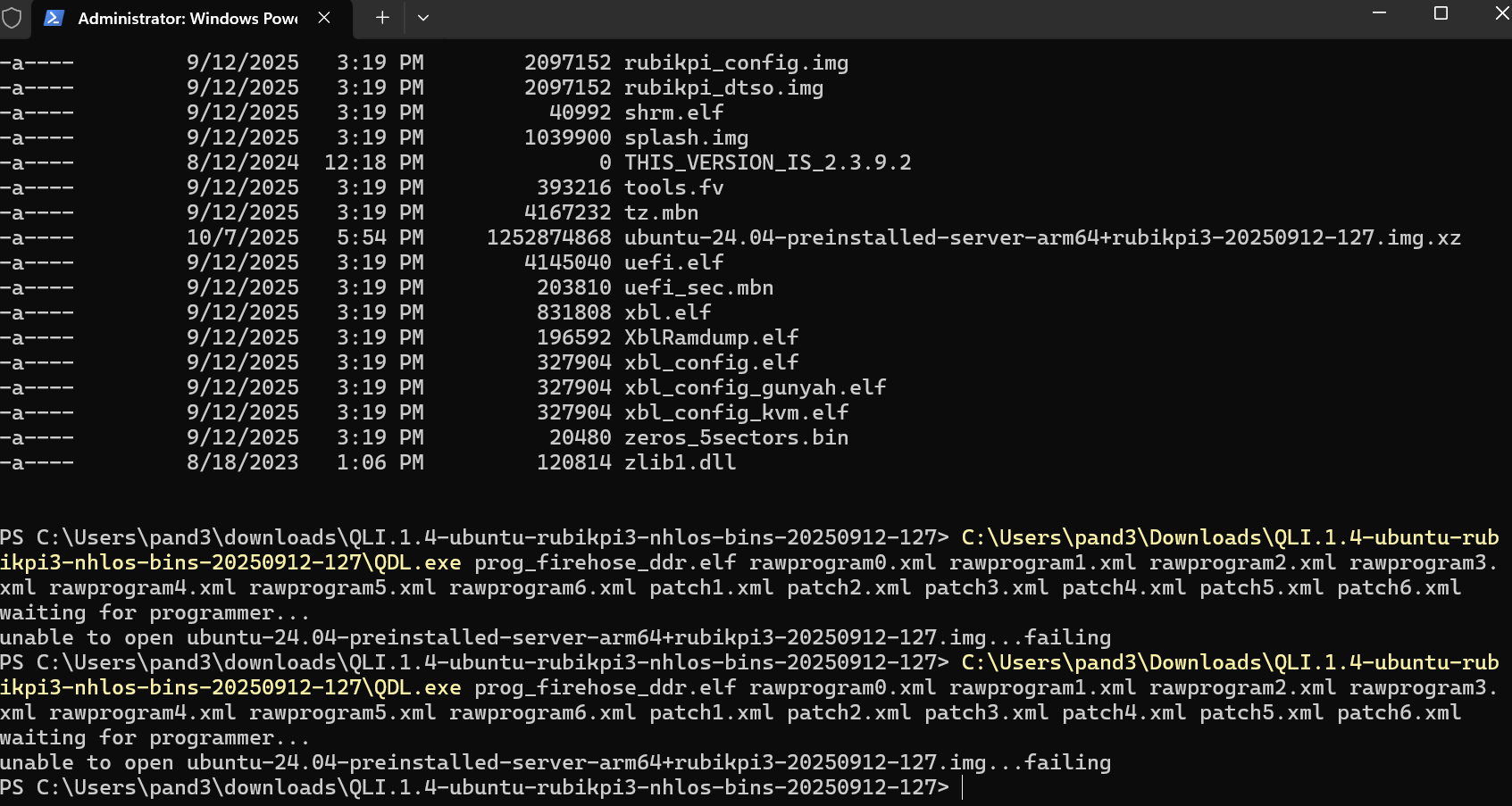
I have tried setting up linux on the board several times now using different methods and changing cords used with similar errors each time. When using this method: Get Started | RUBIK Pi Documentation I end up with this error near the end of the steps where the preinstalled ubuntu image cannot be installed I have tried this method on both PC and Mac and receive the same error each time:
When trying to get the board set up using this method: Get Started | RUBIK Pi Documentation
I get a download firehose error that states “ERR: download Firehose err…”
I have tried both partitioning the board using TFlash as well which results in the same download firehose error. The board is in edl mode when setting up and the board shows in devices and in TFlash as being in 9008 mode. Is there any way to fix this issue on my end or is it an issue with the specific board I have?
From your log, it seems the error was being not able to find the .img file. because you have not decompress it.
Please use unxz to decompress it and try it again. Thank you!
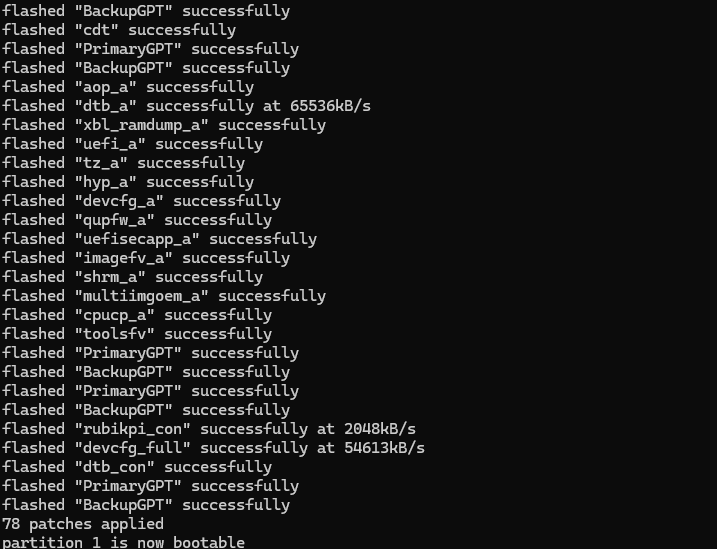
After the RUBIK Pi restarted and it has the green flashing heartbeat led which shows that it should be working but I am unable to get anything to display on the monitor I connect to it with HDMI. I have tried two different cables I have tested and know are working, and two separate monitors which are also working. I have also tried flashing ubuntu several times. The guide shows it should reboot and display a startup screen on the connected monitor. Are there any steps I can take to get it to display to the monitor?
This issue was resolved after speaking with support. The problem was the power brick I was using was not a high enough wattage for the board. The board now runs perfectly and displays to the monitor.