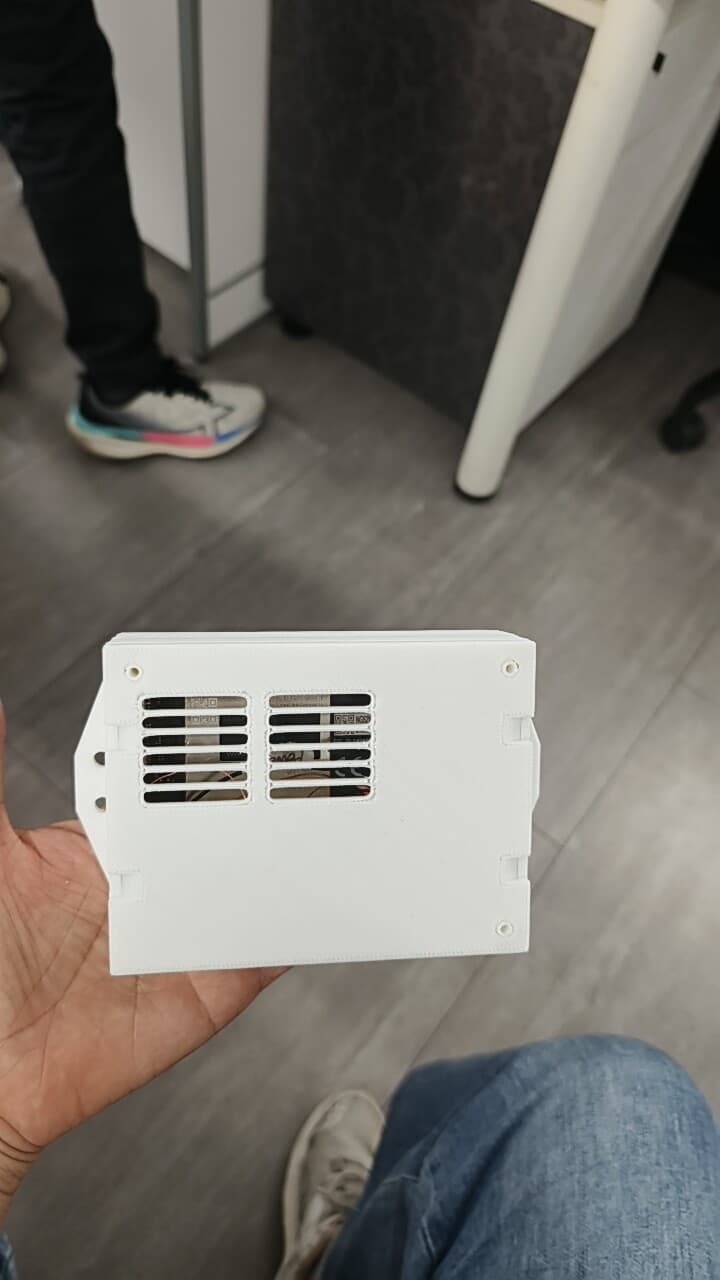
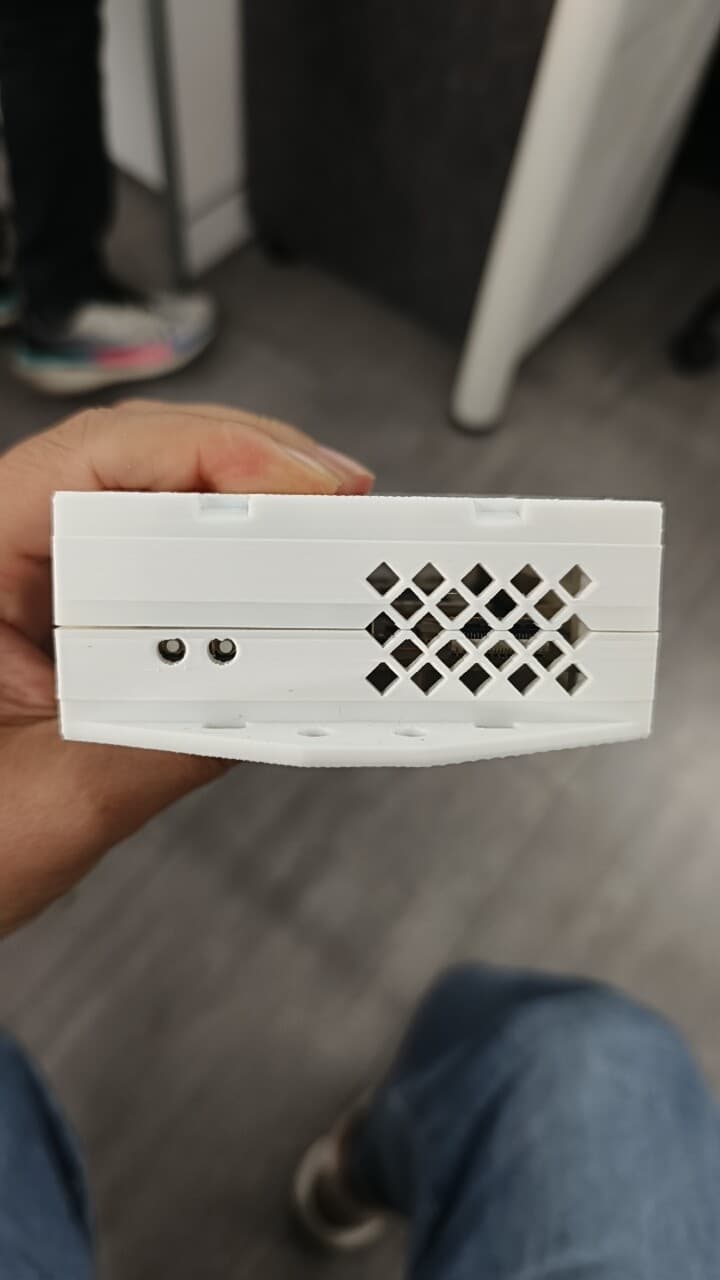
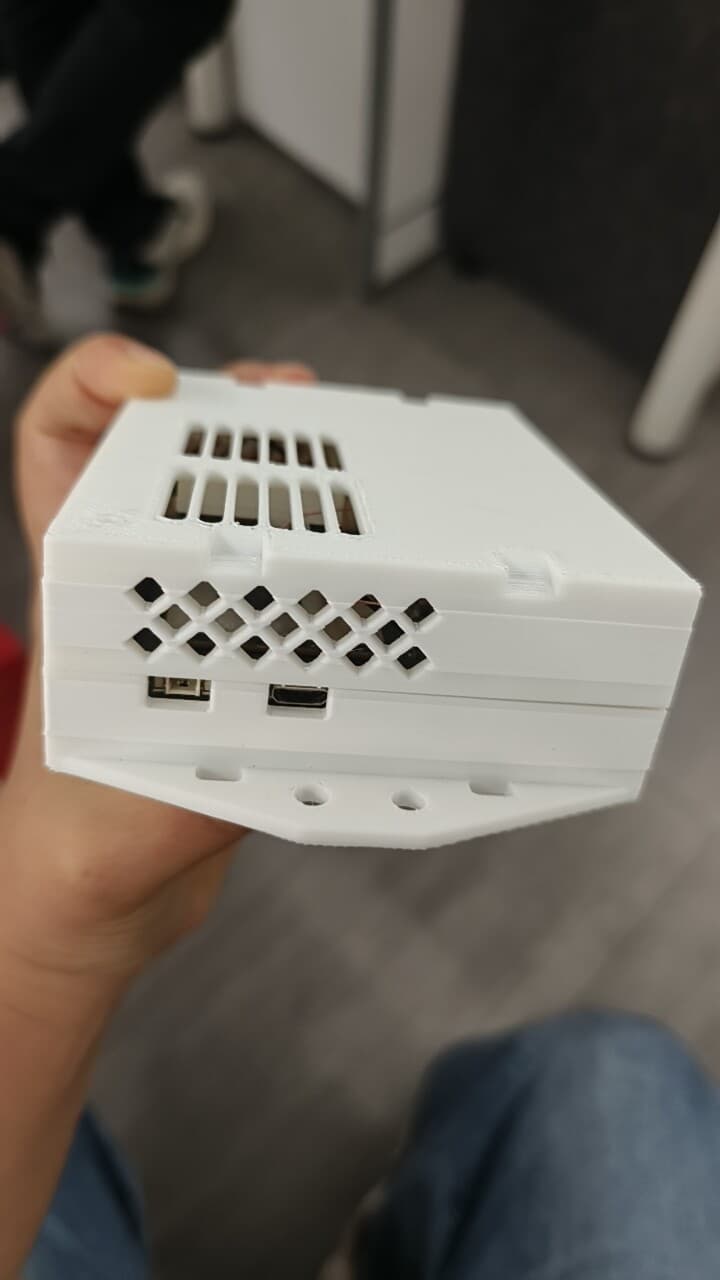
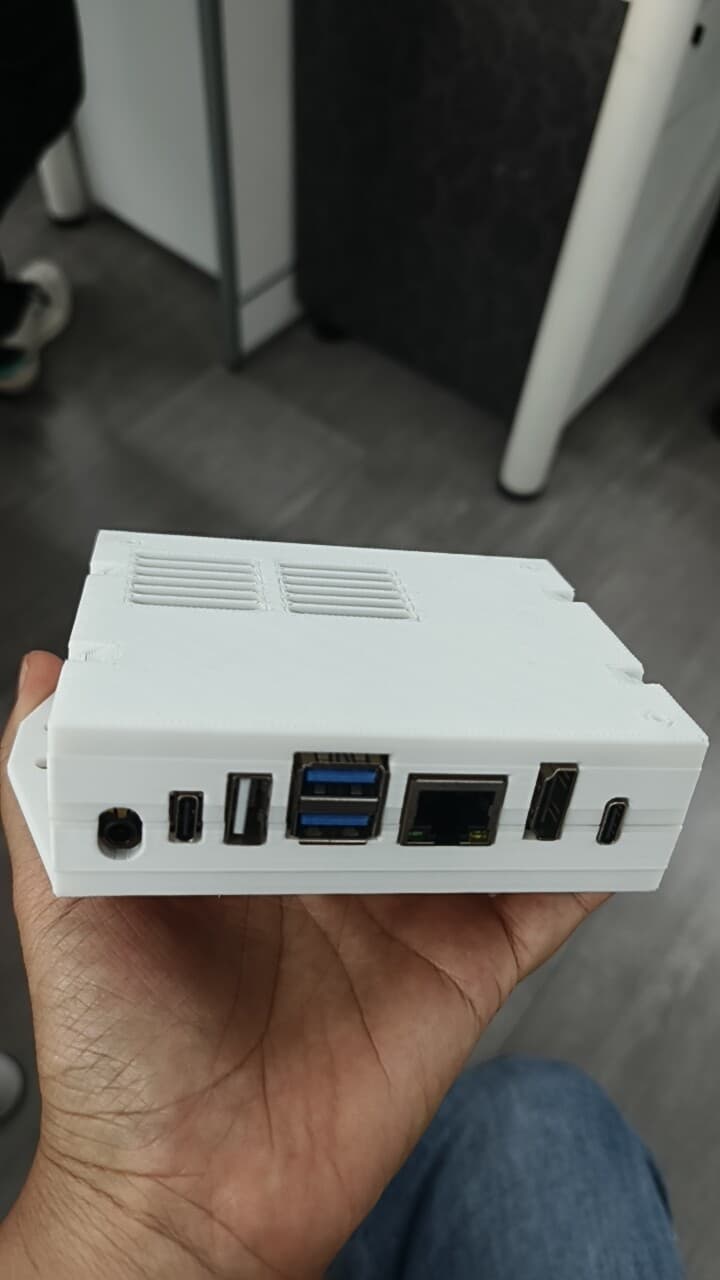
To support secondary development, enclosure customization, and hardware reference, we are releasing the following design resources for RUBIK Pi. The files are available via the link below:
These are nice case designs. Thank you! I printed the minimal design today. I have a couple of questions/comments:
What type of screw are the case and board holes designed for? Are they the right size for for using M2.5 machine screws with threaded inserts?
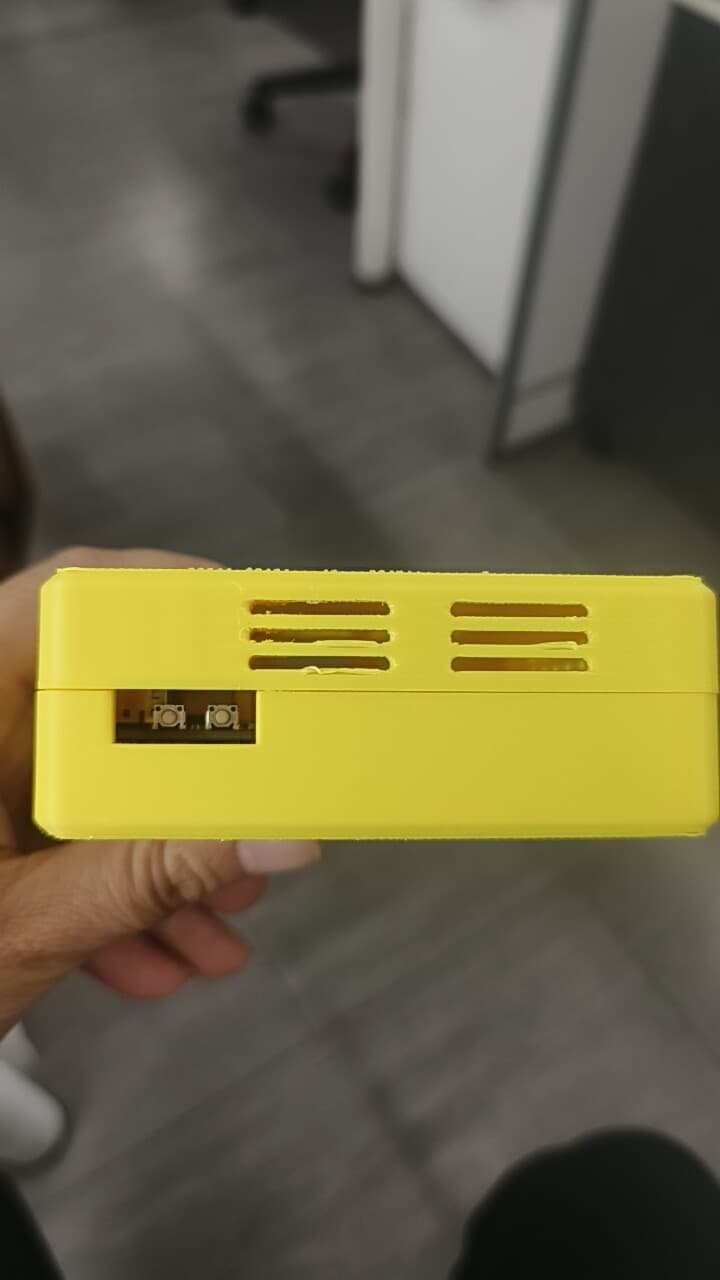
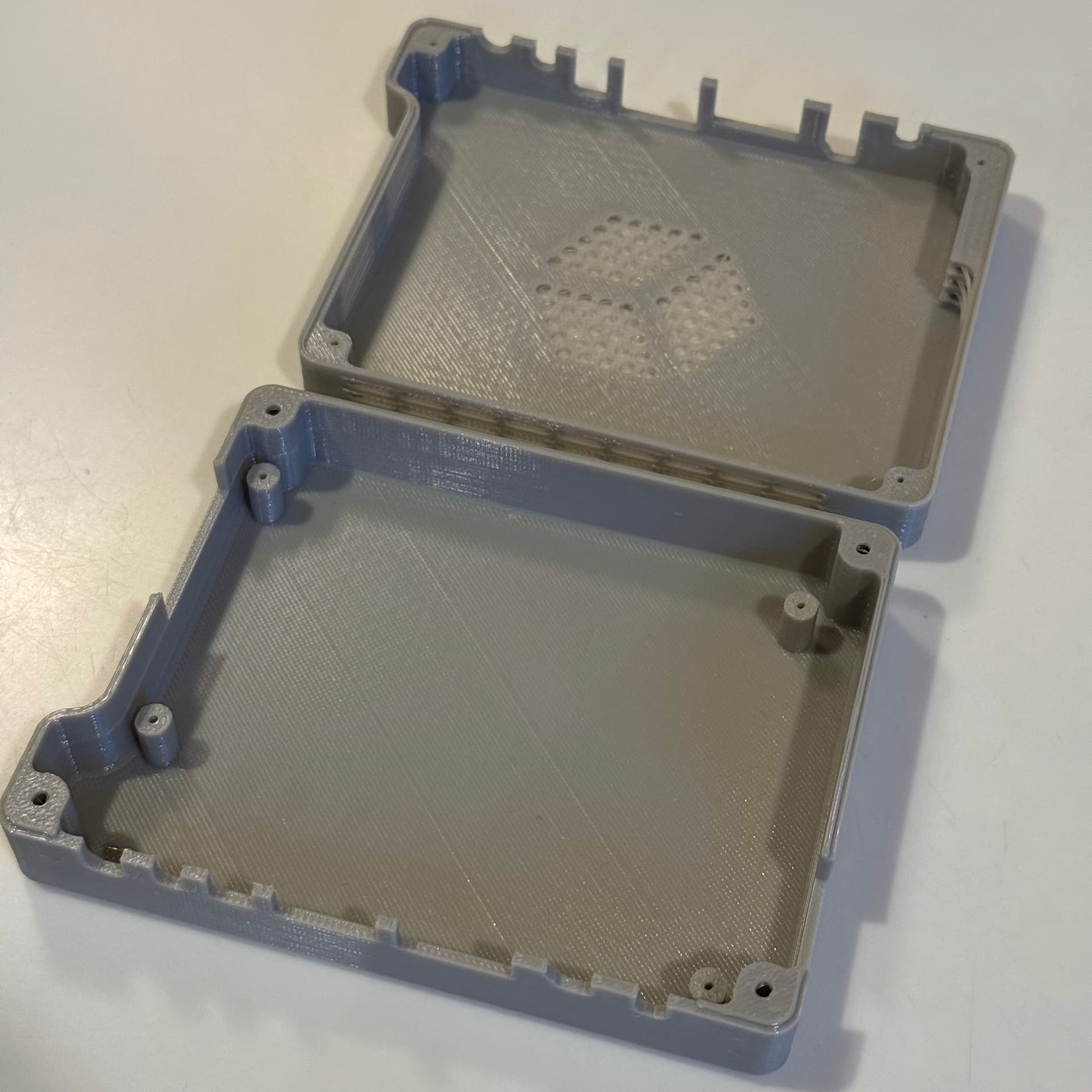
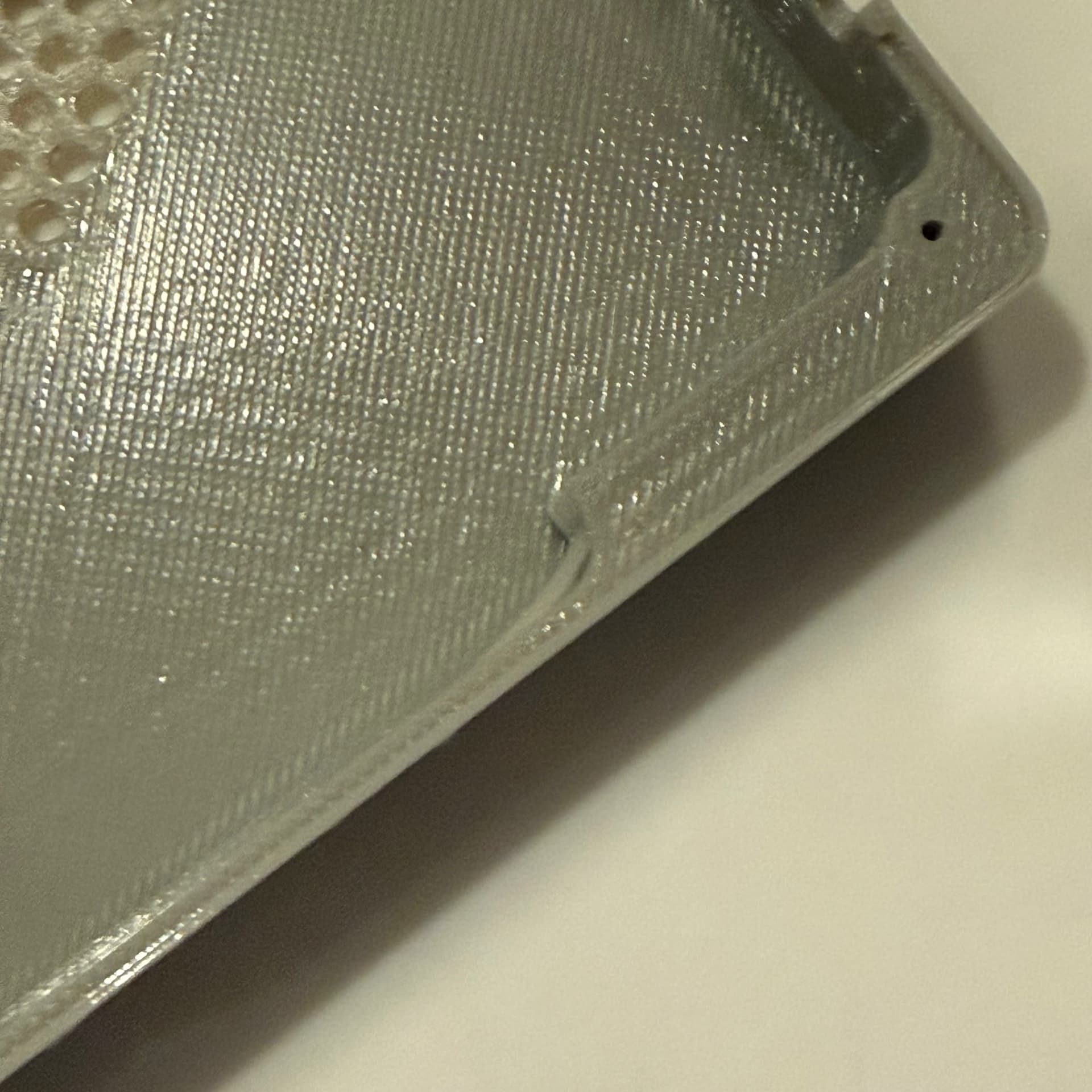
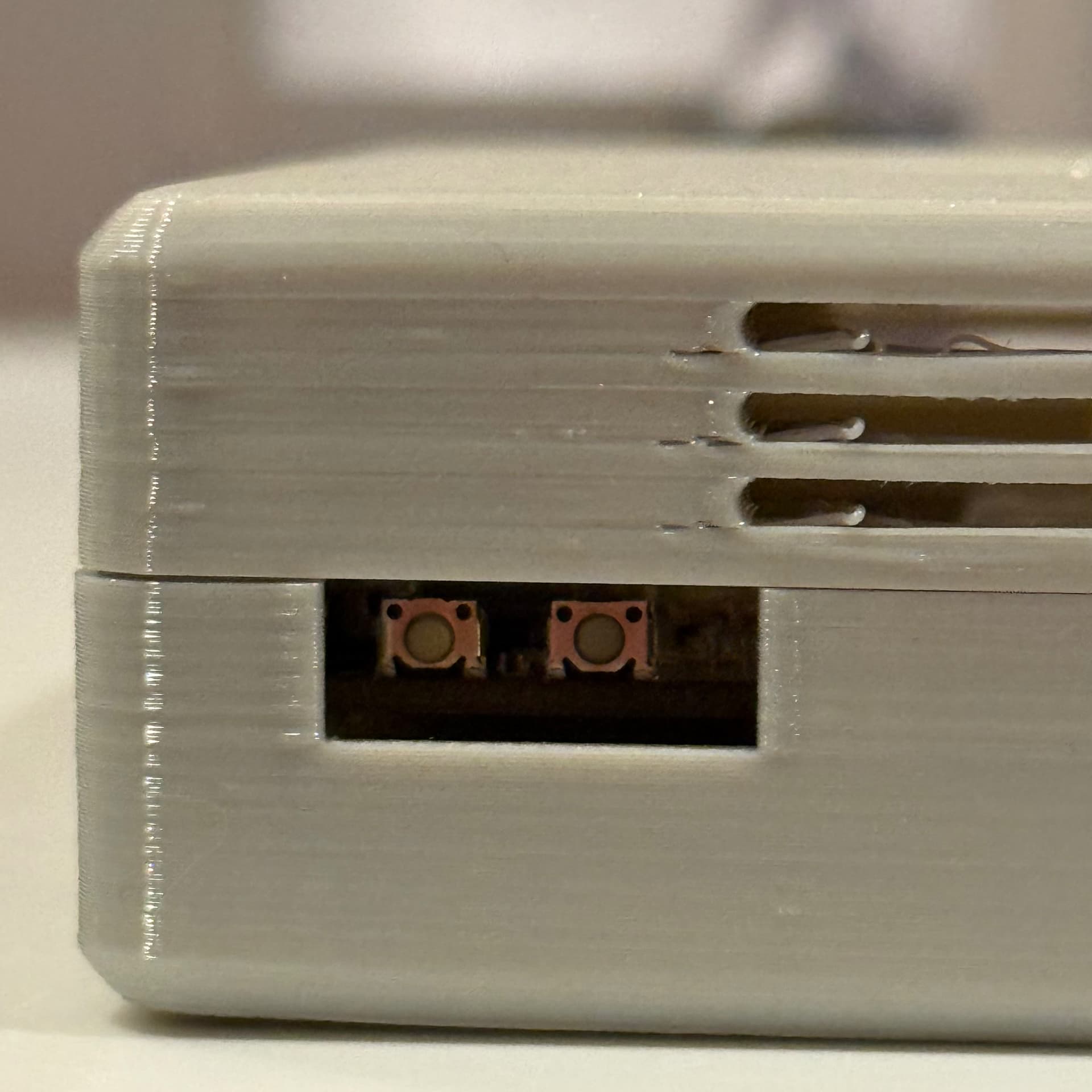
The horizontal vents on the top printed fine on my printer (Creality K1) with no support. But the set of vents on the end with the with the two buttons, extends through a curved block on the inside. This has the printer trying to lay down the first layers in the air along a curve which leaves some filament loose on the inside. This is easy to cut away later, but It looks like the inside block could be shortened so it didn’t interfere with the vents.
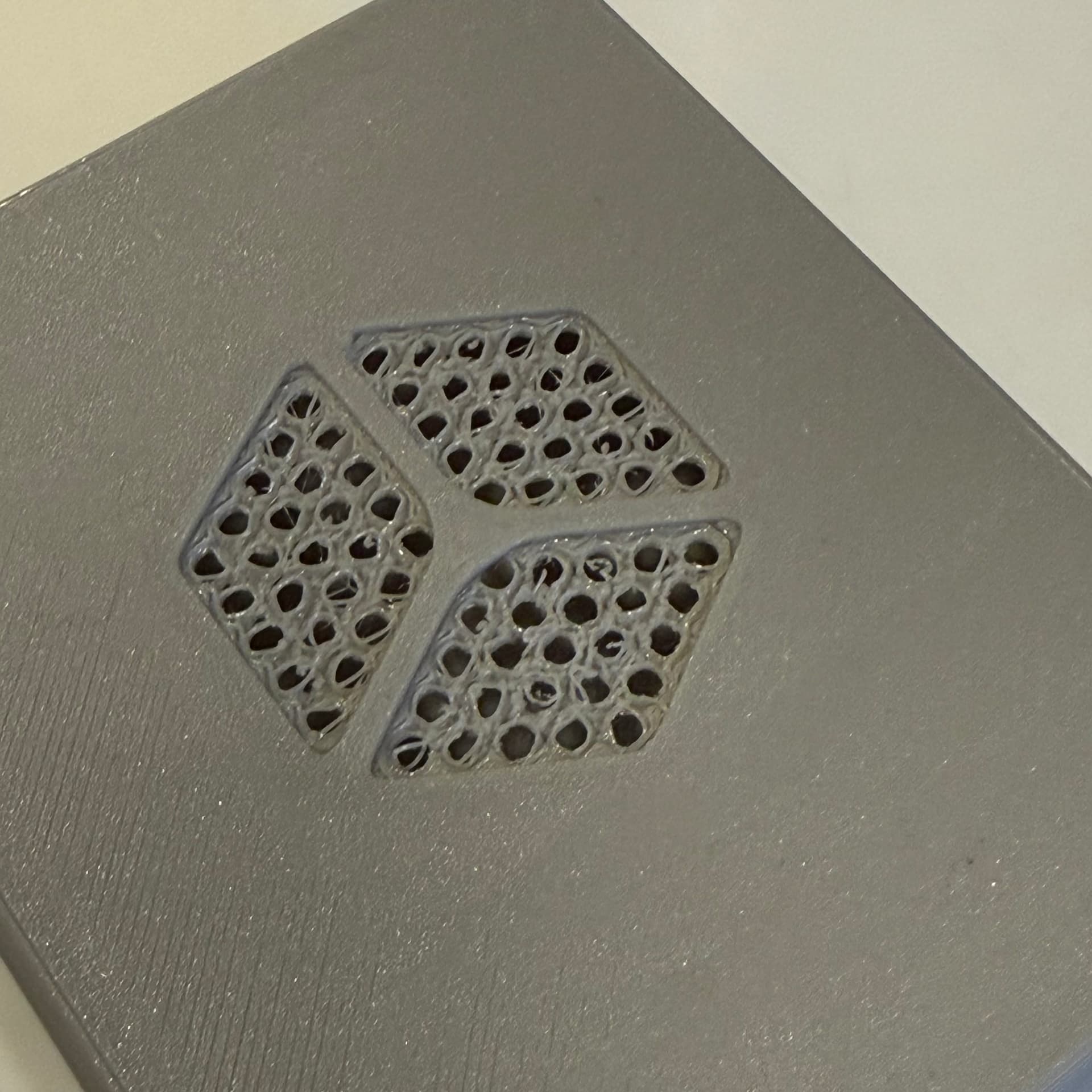
Also on the top, the embossed logo design is very cool, but it has to be printed with supports. Unfortunately, I don’t know if its that the embossing depth isn’t a multiple of the layer height (I tried both .16 and .2 mm layer heights), but the holes come out looking rough. If the embossing was removed and the holes extended all the way to the top, the whole thing could easily be printed without supports and would look much cleaner.
Thank you for your valuable suggestion; I will forward it to our R&D team immediately.
Regarding the screws, we recommend using M2.0 self-tapping fasteners.
Regarding your valuable suggestion, would you kindly share photos of the printed enclosure as well?
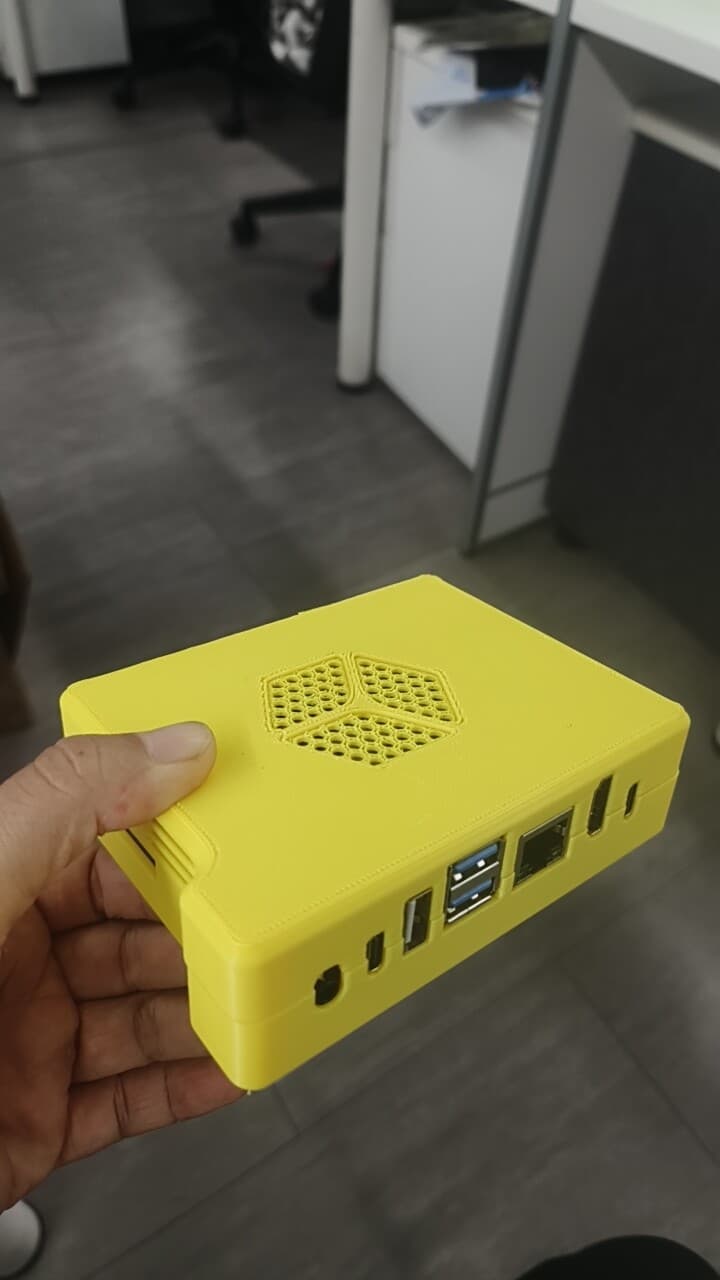
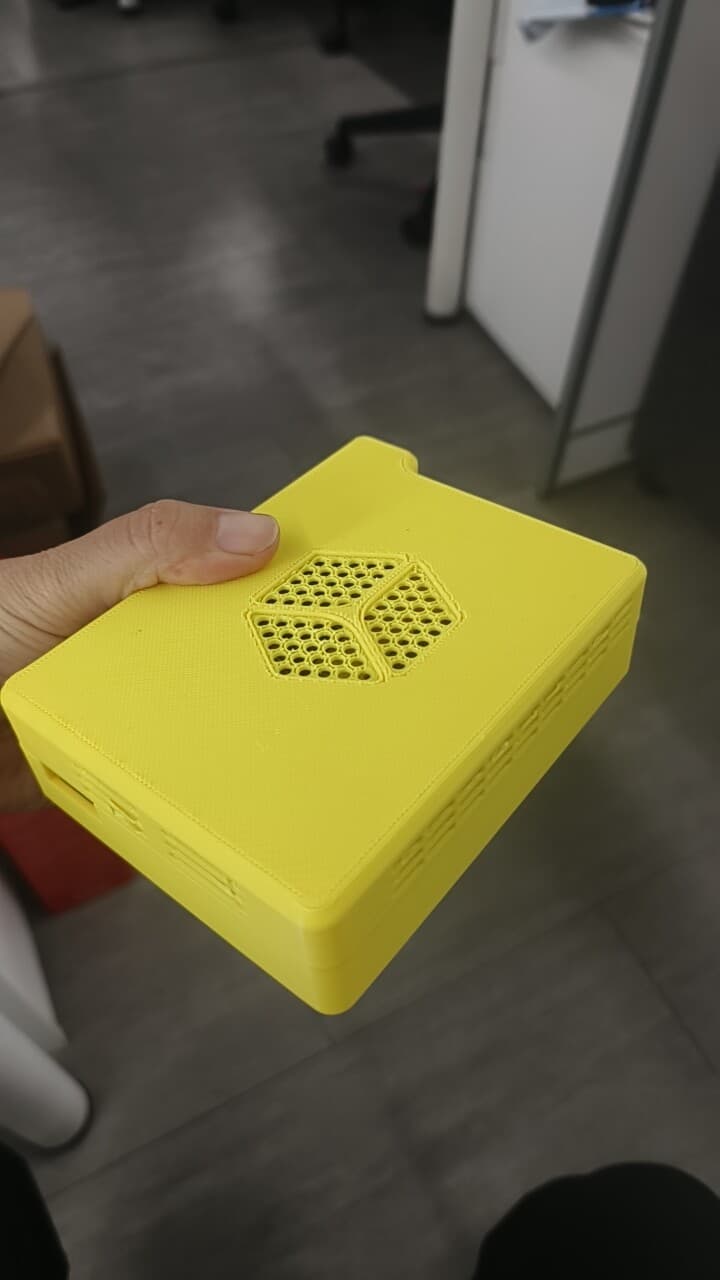
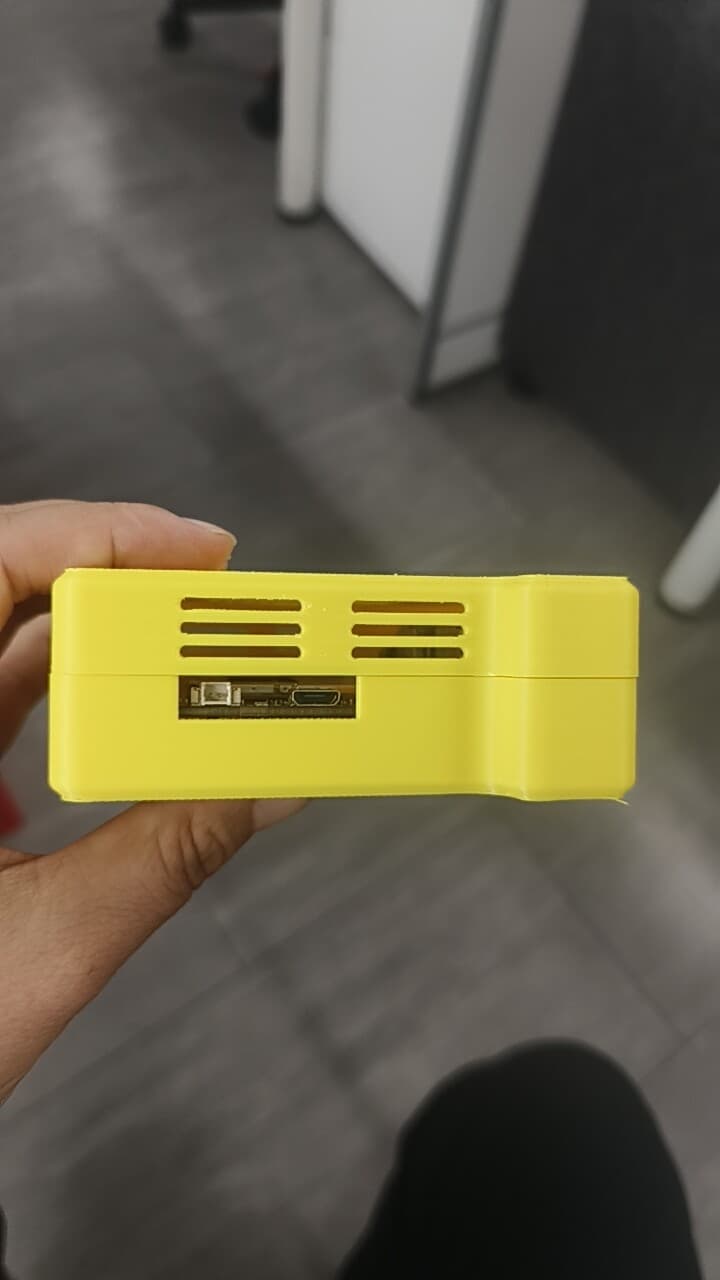
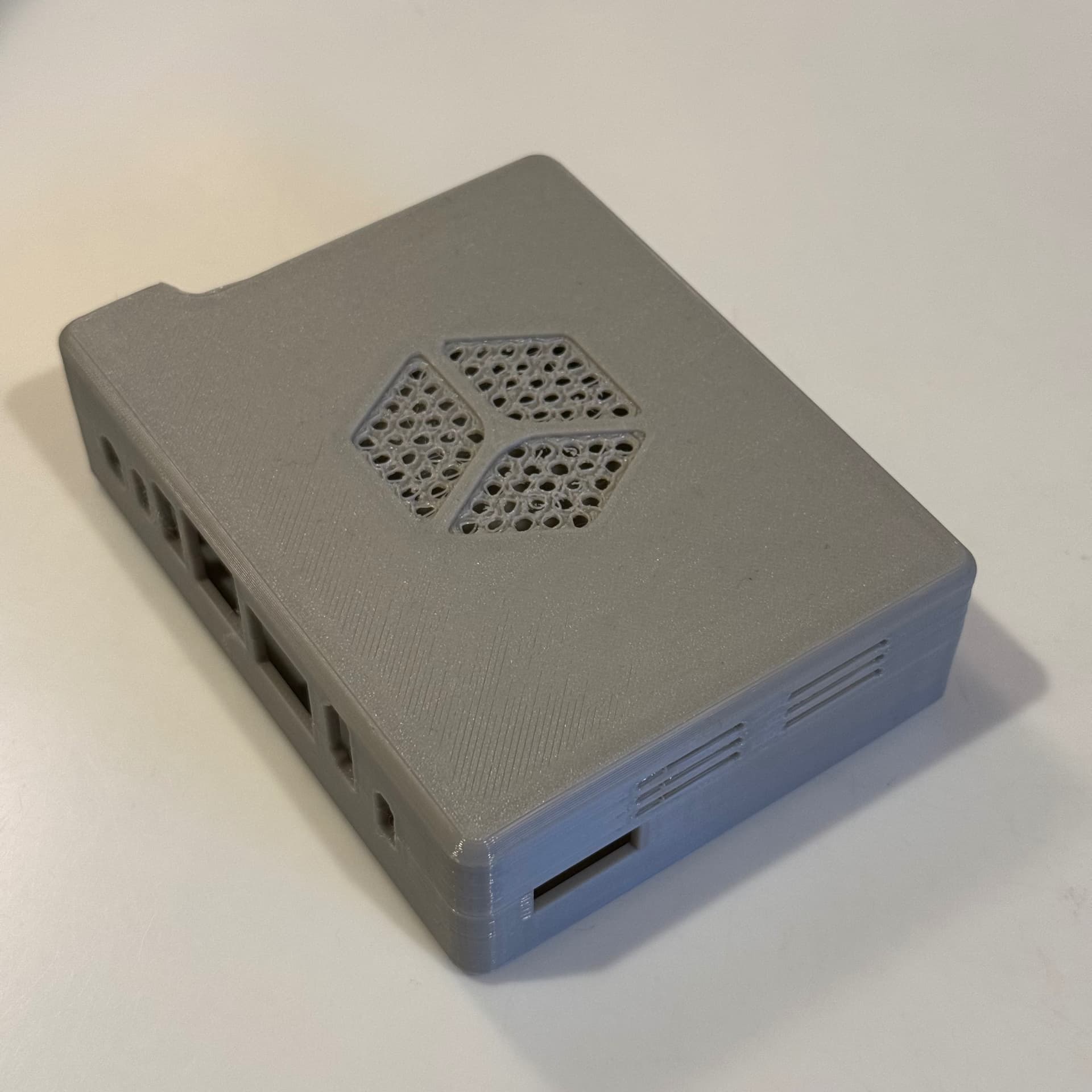
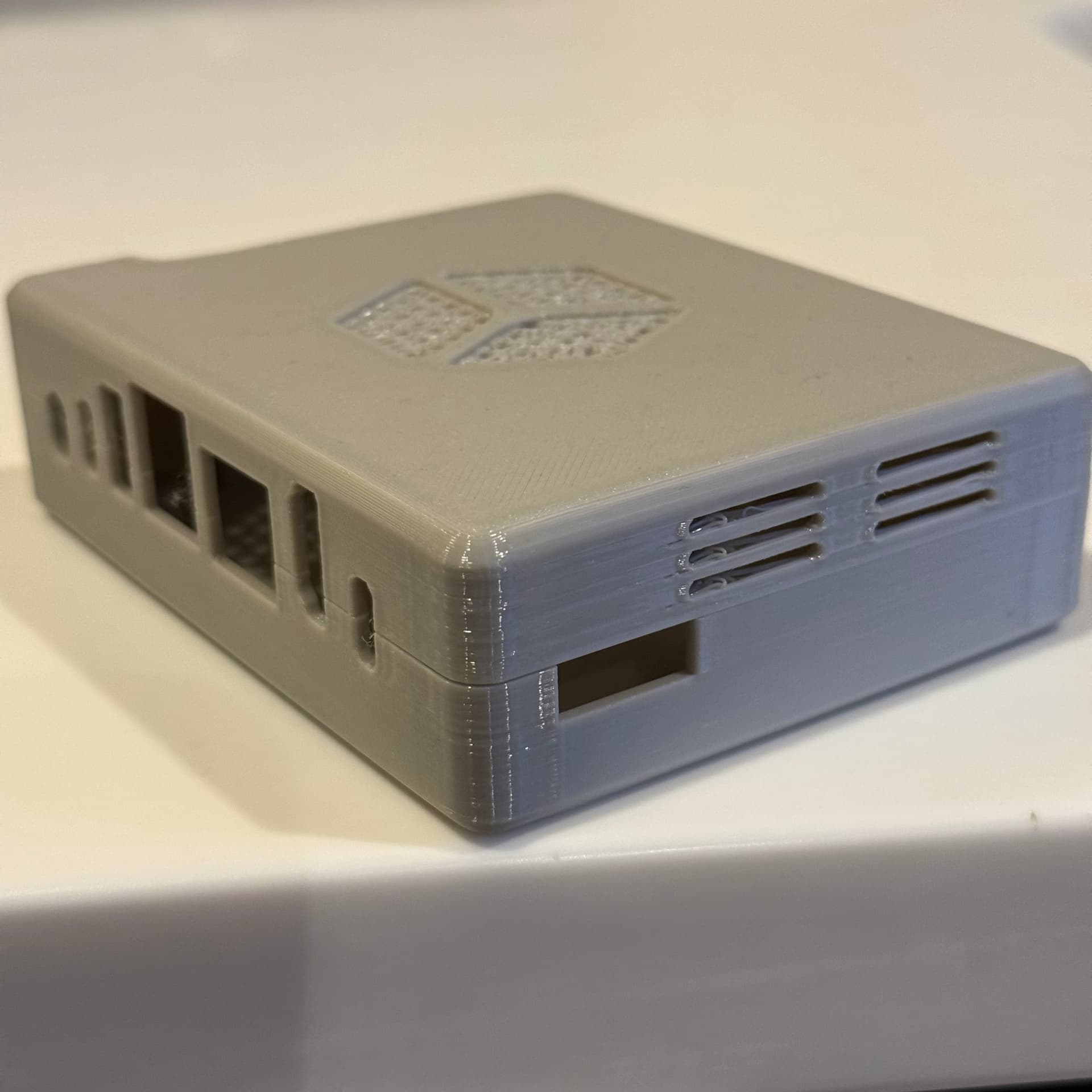
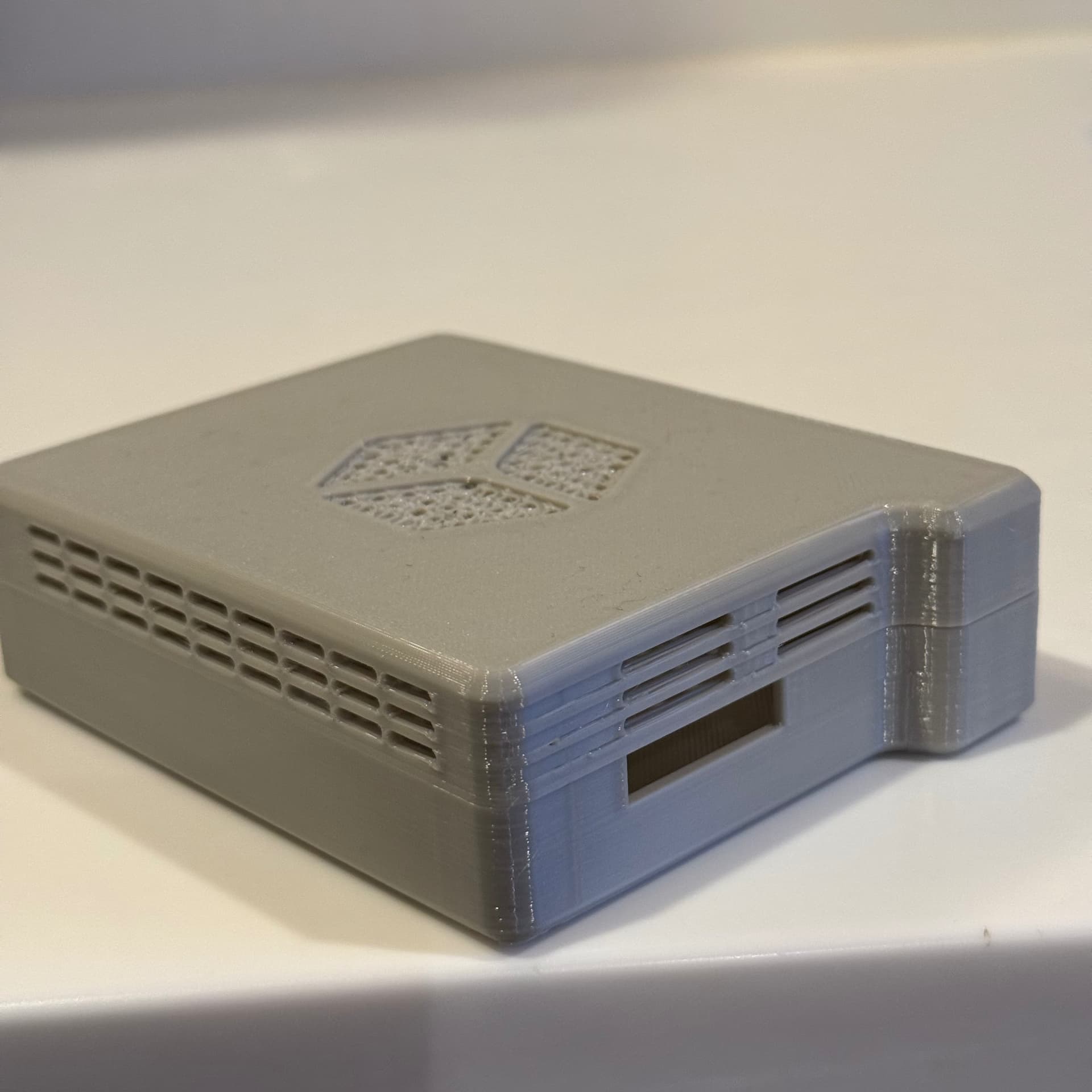
Here are images of the print with PETG filament. I was pleased with how it turned out. I printed both top and bottom with the flat side on the print surface, and I added supports underneath the embossed logo section on the top.
I’ve included detail images of the top logo, and the thickened case wall that intersects with a cooling vent.
You can see the holes in the logo look quite rough. From the inside, they’re better after the filament printed a layer and was able to get more purchase.
The thickened section over the buttons looks like it might have been part of the original design that had buttons over the tact switches? With this updated design, unless there’s another purpose, the thickening might be able to be removed leaving just the corner section for attachment.
One other thing I noticed as I was looking at the case with the board laid inside just now, access to the two tact switches is a little difficult. A toothpick would work, but you have to be looking at the switches to press them. This could make it a little difficult to enter EDL mode, for example.
That’s it. M2.0 screws arrive tomorrow so I can put it all together with a board.
This content is not open-sourced at this time. If you wish to obtain it, please send an email to service@thundercomm.com, or leave your contact information and we will reach out to you.